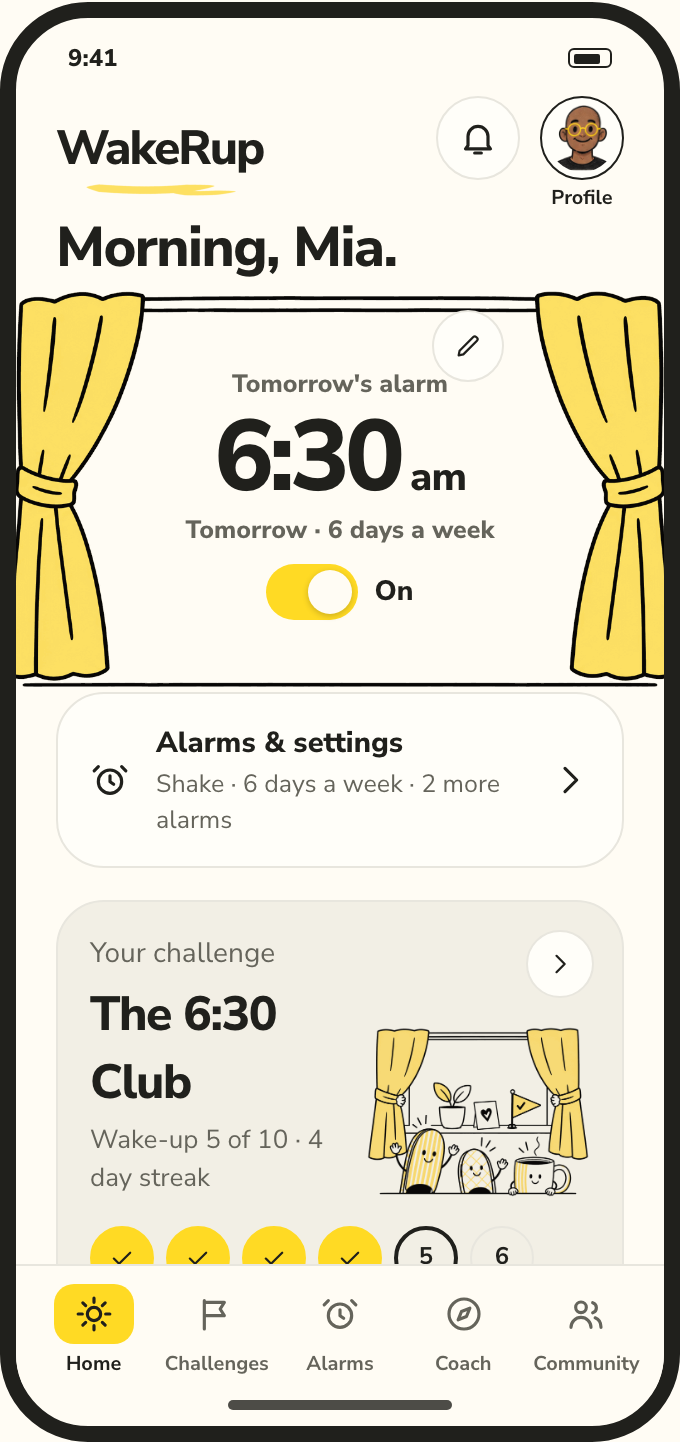
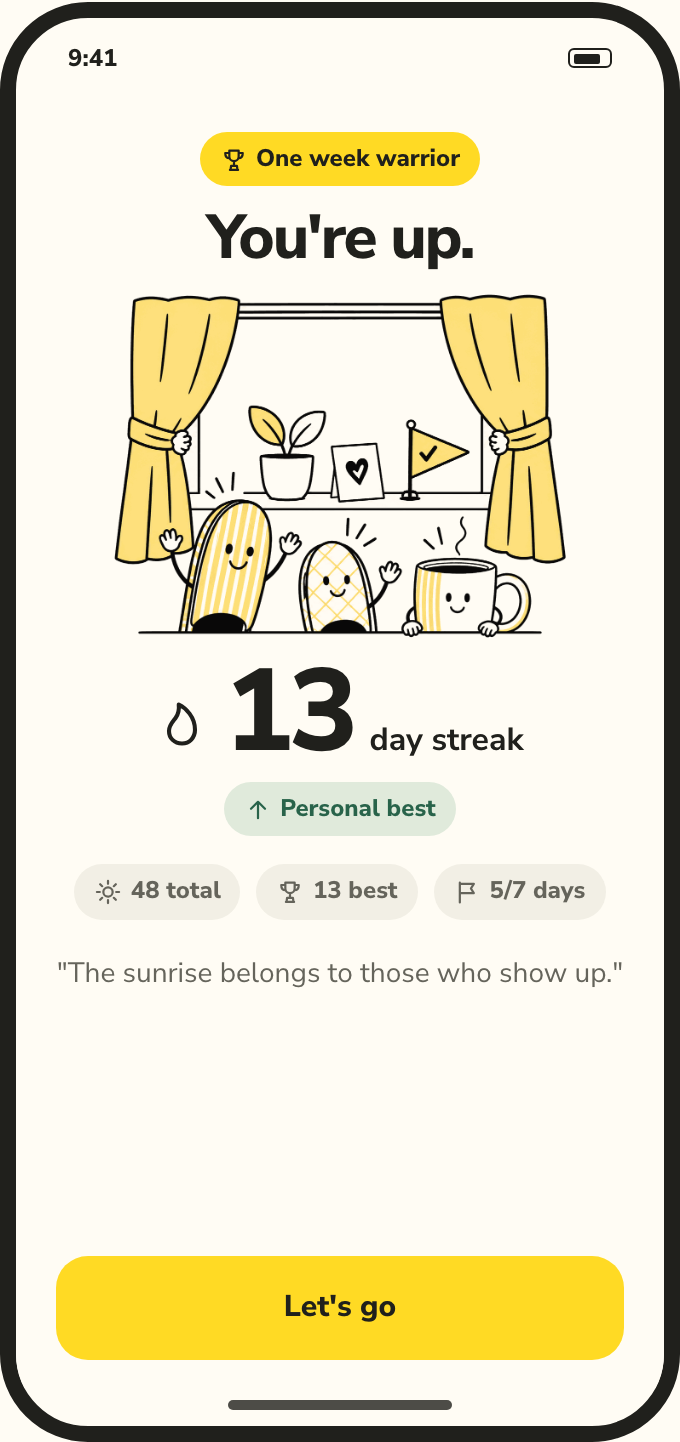
Get a plan, not just a time.
Your answers become a program: a few challenges, each a little earlier, with dates. Starting one sets your alarm. When life happens, the coach moves the plan — climbed rungs stay climbed.
The wake-up program · iPhone
Tell it when you wake now and when you want to. WakeRup builds the plan, a coach keeps it realistic, and the alarm can't be snoozed — stopping it opens a short task (shake the phone, scan the toothpaste) so you're actually up.
How it works
Your answers become a program: a few challenges, each a little earlier, with dates. Starting one sets your alarm. When life happens, the coach moves the plan — climbed rungs stay climbed.
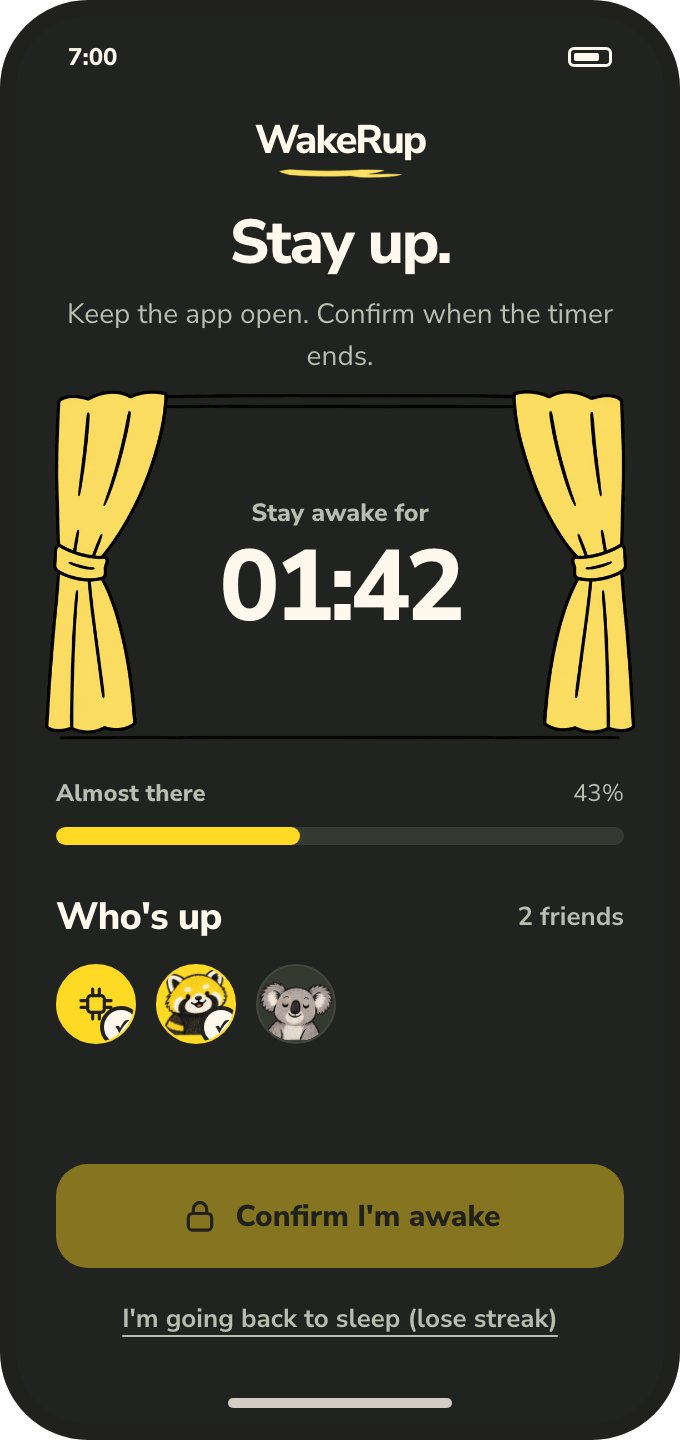
Stop doesn't count. It opens WakeRup: scan a barcode you keep in the bathroom, or shake the phone for three seconds — then stay up for the timer. Three missed mornings send the challenge back to day 1.
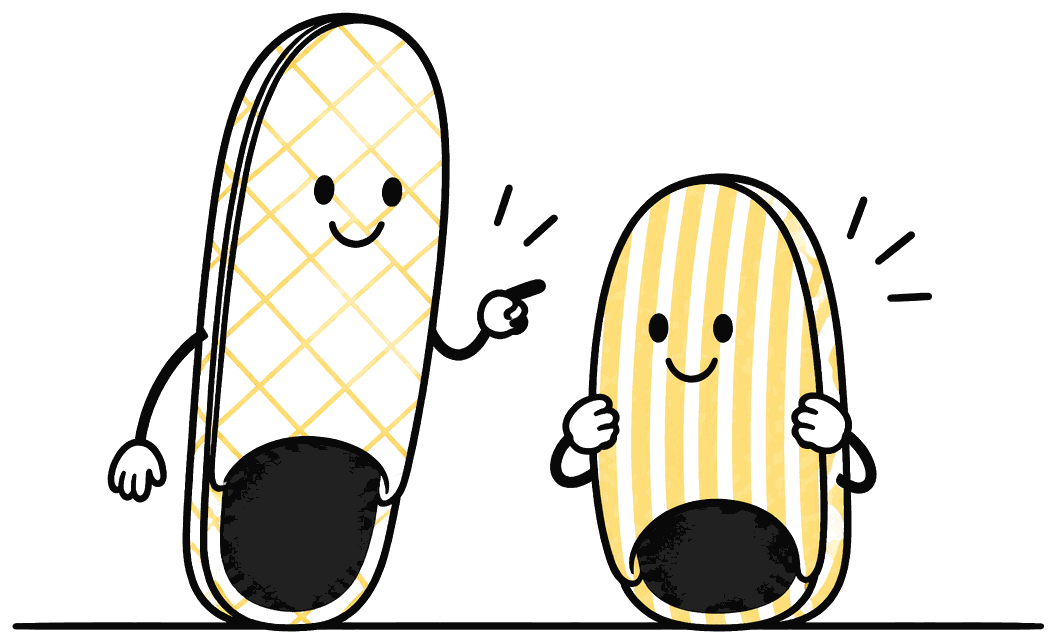
Add a few people. Everyone sees who's up and who's still asleep, and the leaderboard is streaks, not speed. It's much harder to snooze on people.
The challenges
Eight challenges, each earlier than the last, and each one ends in its own trophy. Your program picks the ones between where you are and your goal. Rest days come off at Dawn Patrol. Almost nobody finishes the 4AM Club.
At alarm time
WakeRup uses iOS 26's AlarmKit, so it rings like the Clock app — through silent mode, through Do Not Disturb, on the lock screen. What happens after you stop it is the part we built.
Your coach
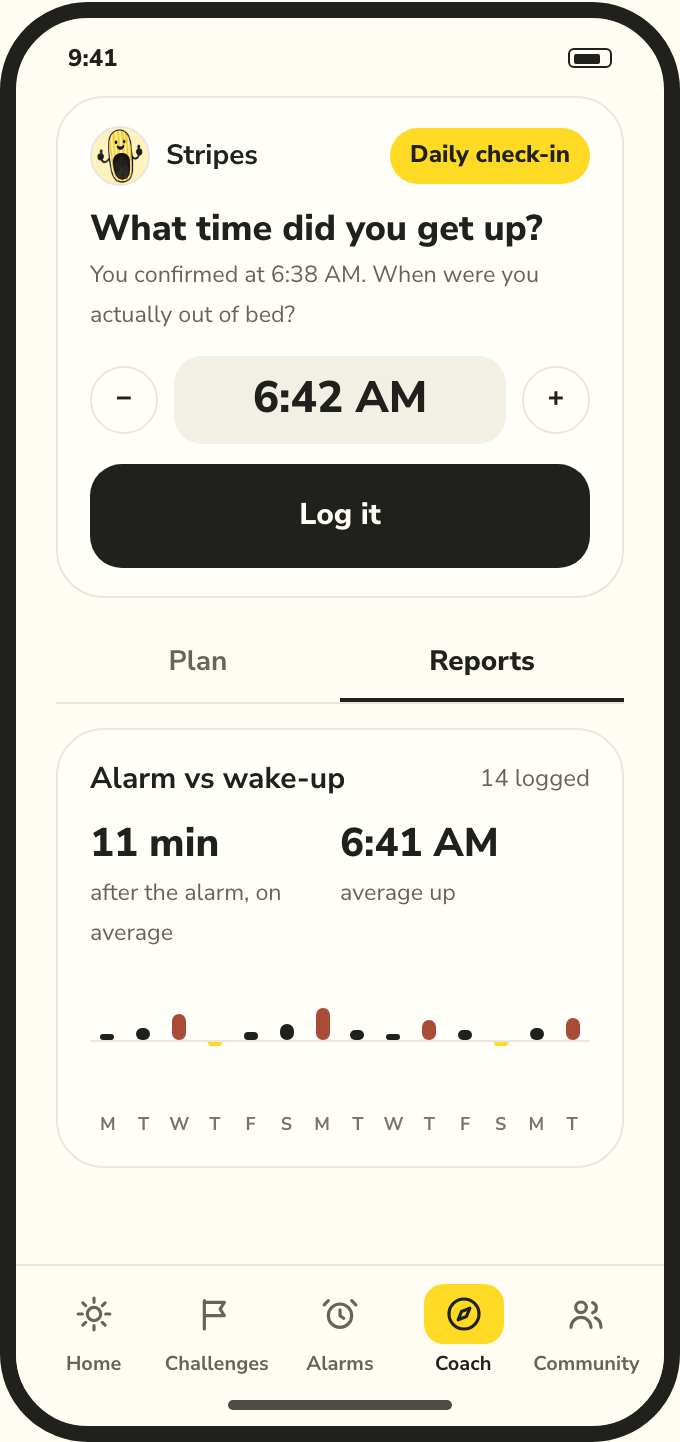
Stopping an alarm isn't the same as getting up. Each morning your coach asks one question — what time did you get up? — prefilled, one tap. Your report puts it against the alarm, so you can see the gap closing week by week.
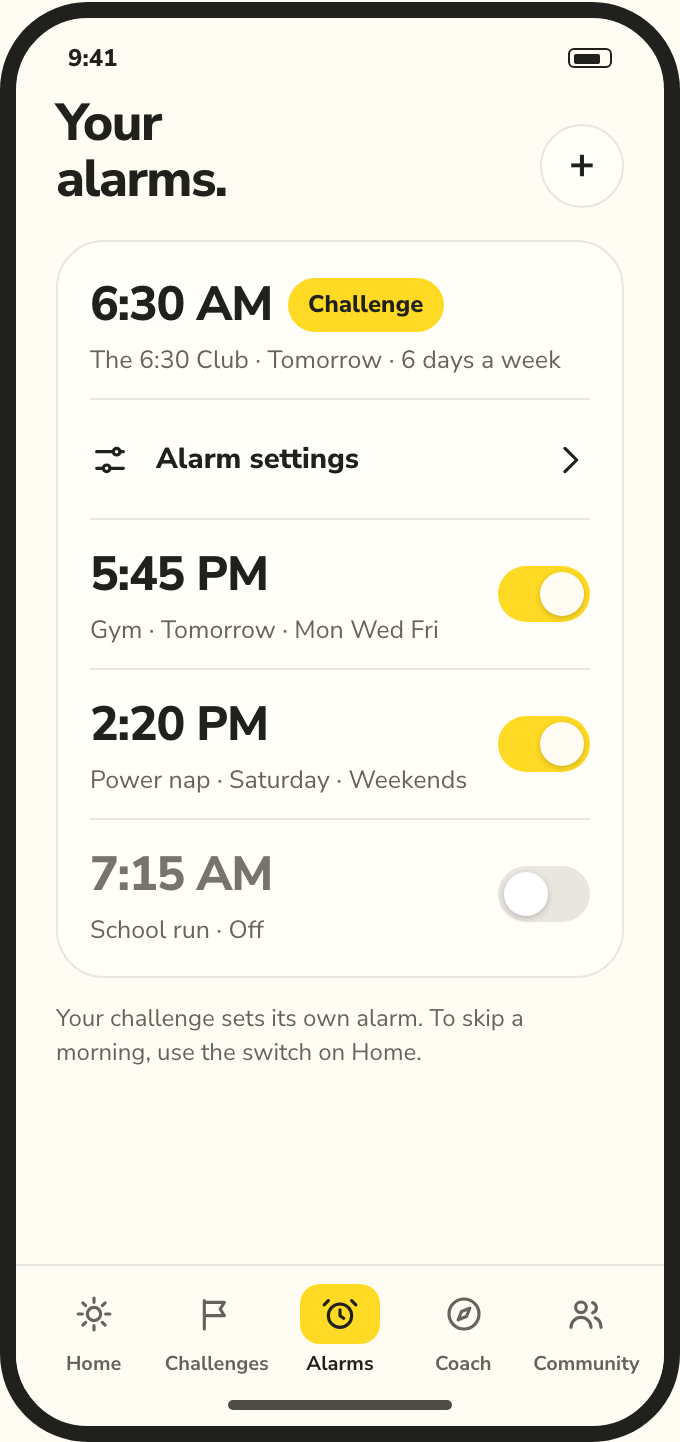
Alarms tab
Naps, the gym, the school run — they live in one list next to your challenge's alarm, like the Clock app. Pick the days or ring once, name it, and choose how to turn it off. Same rules as every WakeRup alarm: no snooze, and stopping it opens the app.
Early access
WakeRup is on iPhone first, in TestFlight now. Leave your email and you'll get the invite first — and if you're on Android, you'll hear the day it lands there. One or two emails, ever; unsubscribe is one tap.
✓ You're on the list. Check your inbox tomorrow morning — fitting, right?
iPhone: iOS 26 or later — the alarm is built on Apple's AlarmKit. Android: in the works; same program, same coach. No spam, ever.